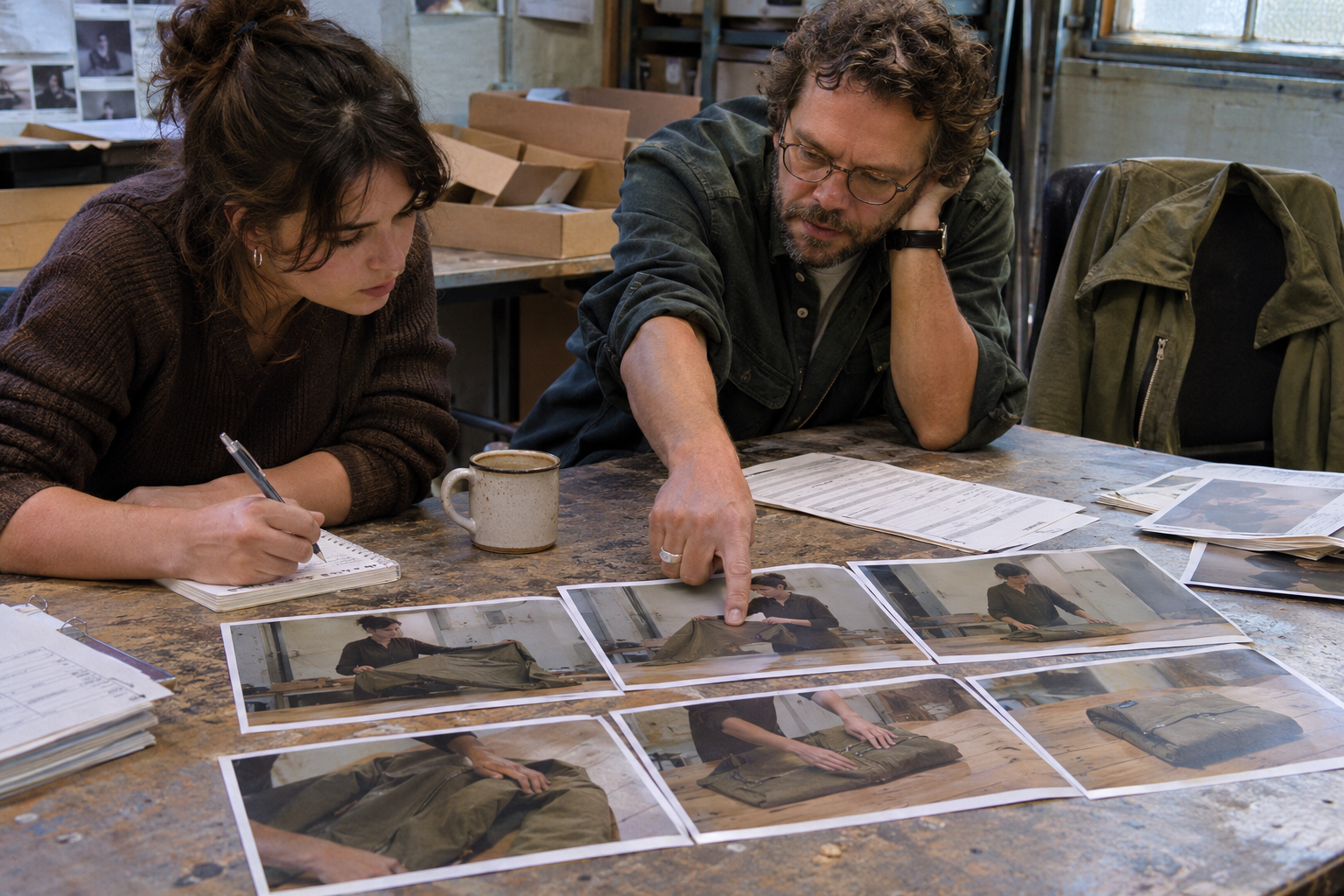
Commercial post-production turns recorded material into finished, approved versions of an advertisement. The work moves through editorial, review, finishing and delivery, with sound, color and visual effects often developing alongside the edit. A usable workflow gives each contributor the right material, a clear version to work from and a defined person who can approve the result.
The difficulty is rarely remembering that color follows editing. It is knowing which decisions are settled, which are still provisional and what a change will disturb. A new shot may require a different grade. A shorter ending may alter the music, voiceover timing, graphics and every cutdown already in progress.
This guide follows a fictional jacket commercial from footage to delivery: a 30-second main film, a 15-second cutdown and a portrait version. Its production choices are examples, not a universal specification. For the broader path from brief through shoot, start with the stages of commercial production.
Agree on outputs and the approval route
Post begins with an agreed destination. “One commercial” does not tell an editor how many cuts, aspect ratios, languages, caption treatments or final files the job needs. Establish the main film and its variants early enough for framing, graphics, music and review plans to account for them.
For the jacket example, the 30-second film establishes the product and demonstration. The 15-second version needs its own editorial priorities; simply removing the middle may lose the reason to care. Portrait framing may need alternate takes or repositioned graphics. Treat these as planned deliverables, with their own checks, rather than exports that happen automatically at the end.
Record the destination requirements provided by the media buyer, publisher or receiving team. Useful fields include running time, frame dimensions, frame rate, audio requirements, caption format, naming and due date. Confirm uncertain requirements with the recipient. Do not substitute a familiar export preset for a current delivery specification.
Also identify who gathers feedback, who resolves conflicting notes and who gives final approval. A producer or post producer may coordinate this work; on a smaller job, one person may cover several roles. What matters is an explicit route from contributors to one actionable set of decisions. Agree what each approval covers: creative direction, picture timing, claims and graphics, sound, or the final deliverable.
The output of this first stage is a delivery list and an approval plan that everyone can use. If the list changes, update the work and review time attached to it.
Prepare media for editorial
Before creative editing can move reliably, the editor needs readable media, usable sound and enough context to identify the right material. Check that camera and audio files have arrived, that expected shoot material is present and that the working storage arrangement preserves the originals. Resolve missing or unreadable material before it becomes a surprise in a near-final cut.
Preserve source filenames and the relationships needed to reconnect footage later. Organize takes, production audio and reference material consistently. The handoff should explain any unusual frame rates, synchronized sound arrangements, temporary media or known problems. A note that a particular take has distorted audio is more useful at assembly than after approval.
Proxies can make editorial lighter to run: the editor works with smaller working copies while maintaining a connection to the full-resolution media used for finishing. Adobe’s ingest and proxy documentation describes this relationship in Premiere. The important production check is whether the intended workflow can reconnect the approved sequence to the correct original material. Test that path with representative clips before committing the whole job to it.
For the jacket spot, the editor may first organize performance, product details and folding actions, then build an assembly that tests the message and timing. Temporary music, rough graphics and unfinished sound can help judge the structure. Label those elements clearly so a reviewer does not mistake a placeholder for a finished choice.
Editorial readiness means more than having a folder of footage. It means the editor knows what the material is, where it belongs and which parts of the early cut remain temporary.
Review the edit and establish picture lock
An edit review needs a specific version and a specific question. Early reviews may ask whether the story, performance and product emphasis work. Later reviews can address shot choice, pacing, copy and exact timing. Asking for a final polish review while the core message is unresolved makes feedback difficult to interpret.
Send a clearly identified review version and collect notes against that version. Time references make comments easier to act on, but the note still needs to explain the issue. “The folding action is hard to follow at 00:12” gives the editor a problem to solve. An unexplained instruction to remove three frames may leave the underlying concern unresolved.
Review platforms can keep comments connected to the edit. Adobe’s Frame.io review example shows timecoded comments and version updates. A shared link alone is not a version record: confirm which cut the reviewer saw, especially when a link is updated to a newer version. Consolidate contradictory feedback before the next edit rather than sending the editor several competing approvals.
Picture lock is the agreement to stop changing the approved shot sequence and timing so finishing can work from a stable reference. Define its scope. Approval of the 30-second jacket film does not automatically approve the 15-second cut or the portrait composition. Record each approved sequence, its identifying version and any exceptions still open.
Lock does not make later changes impossible. It makes their consequences visible. If the client replaces the final shot after turnover, identify the affected sound, grade, effects, titles and versions before promising a new delivery time. A small creative note can reach several departments.

Give finishing teams a usable turnover
A turnover is the package that lets another contributor continue the work without guessing what the editor intended. Its contents depend on the receiving tools and task. Agree those requirements with the sound editor, colorist or VFX artist before preparing files, then test the exchange when the workflow is unfamiliar.
Start with an approved reference movie that identifies the sequence and shows the intended timing. Include the relevant media and project or interchange files, plus notes about temporary treatments, missing elements and decisions still awaiting approval. Where extra frames before and after an edit are needed, agree the required handles with the recipient. Do not assume every task needs the same amount.
Sound may need organized tracks and separate dialogue, music and effects material. Color needs a reliable path back to the intended source pictures and an explanation of temporary looks. VFX work needs identifiable shots, source material, reference and a precise description of the requested result. In the jacket example, “remove the reflection in shot J014” is a clearer starting point than “clean up the product shots.”
Interchange formats help move work between systems, but compatibility is a check, not an assumption. Adobe’s AAF documentation describes exchange of media and metadata and notes limitations. Confirm the receiving application and settings, then inspect the imported result for timing, missing material and unsupported elements. A successful export does not prove a successful handoff.
Keep a turnover record: what was sent, which edit it represents, who received it and what they confirmed. If a later revision replaces that package, identify the replacement explicitly. Otherwise, two people can both be doing careful work on different cuts.
Coordinate sound, color and visual effects
Finishing is a set of connected tasks rather than a single filter applied to an approved edit. Sound work can include dialogue editing, noise treatment, effects, music editing and the final mix. Color work balances and shapes the pictures. VFX and motion graphics may remove distractions, build composites or complete titles and product information. The exact division depends on the project and crew.
These tasks can overlap when contributors share a stable reference and understand what is provisional. An effect shot may return for color integration; a music edit may develop while picture notes are being resolved. The coordinator needs to track dependencies so an old picture reference does not quietly become the basis for a final mix.
Departments do not necessarily mean separate applications. The DaVinci Resolve overview describes editing, color, effects, motion graphics and audio post within one application. A shared application can change how work is exchanged, but it does not remove the need to identify approved versions, assign responsibility or inspect the result.
For the jacket film, sound might make a fabric movement more readable without overpowering the voiceover. Color should keep the jacket coherent across shots while supporting the intended look. A reflection cleanup must survive at the delivered framing and resolution. Review these choices in the assembled film, where they affect the same moment, as well as in their individual work sessions.
Do not use a polished finish to settle an unresolved editorial question. If the demonstration still feels confusing, revisit its structure. Equally, do not judge a rough mix as though it were final without checking what the review is intended to approve.
Manage changes across versions
Versions need an explicit relationship to the approved main film. A cutdown may share shots and treatments but have different timing. A portrait version may require reframing, repositioned titles or an alternate shot. Language versions may alter text length and voiceover timing. Track those differences instead of treating every file as interchangeable.
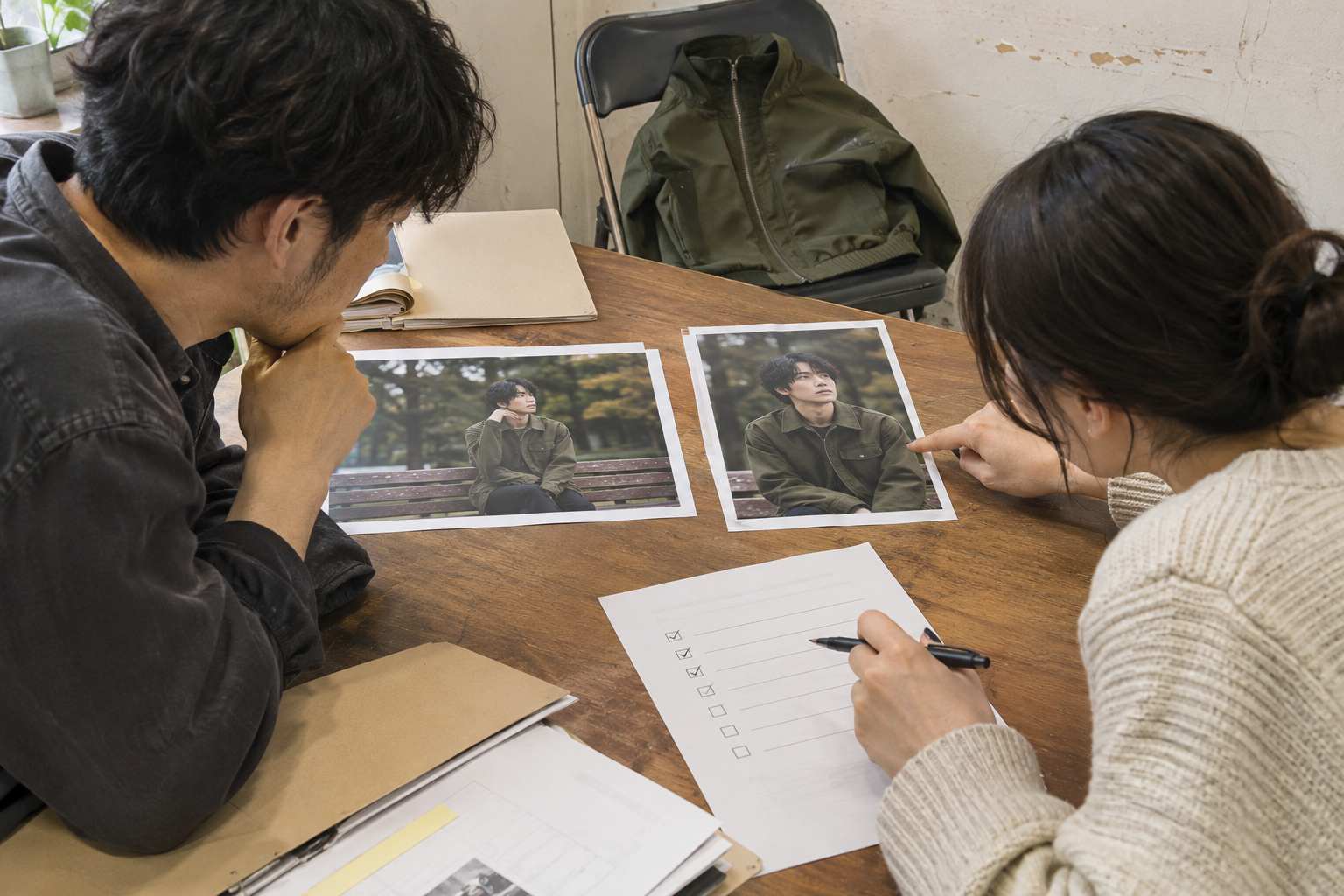
Use a change record that identifies the affected sequence, the requested revision and the versions that inherit it. Suppose the final jacket shot changes in the main film. Check whether the 15-second ending uses that shot, whether the portrait crop still works and whether sound and graphics were timed to the previous action. Assign the resulting work and ask for approval at the appropriate stage.
Name review files and deliverables so the team can distinguish them without opening every file. The exact convention matters less than consistency and a reliable record of which file supersedes which. Avoid overwriting the only approved reference with an unapproved revision.
Before final export, compare each version against its own delivery requirements and approval. Check duration, beginning and end, text, graphics, framing, sound and any variant-specific changes. A clean main film does not establish that a cutdown is clean. The useful habit is to make a deliberate pass through each finished version, not to assume that shared source material guarantees shared correctness.
Deliver, check and retain the finished work
Final quality control should examine the actual exported files. Check that each file opens and plays through, that picture and sound remain in sync, that text is correct and that no temporary graphic, missing frame or unintended silence has survived. Compare technical properties with the recipient’s supplied requirements. An approved timeline and an exported file are different things to verify.
Caption treatment also needs a deliberate choice. Adobe’s caption-export documentation distinguishes captions burned into the picture, separate sidecar files and embedding where supported. Choose the required delivery form with the receiving team; then inspect the exported captions for timing, wording and placement. A sidecar file should be included and identified when it is part of the delivery.
Package the approved outputs with an understandable delivery note: filenames, versions, intended destinations and any companion files. Confirm receipt and, where relevant, acceptance by the receiving team. Upload completion alone does not establish that the right file was received or accepted.
Finally, retain the approved references, final deliverables, relevant project files, source relationships and delivery record under the agreed storage and retention arrangement. Keep enough context for someone to identify the finished version and understand how it relates to the project. Avoid promising that an old project will reopen perfectly on future software without checking it.
A well-run commercial post-production workflow makes the next decision clear. The editor knows what is approved; finishing knows which cut to follow; the producer knows what remains; the recipient gets the intended files. When planning video production services, include those handoffs in the scope from the beginning. They are part of producing the finished advertisement.
Images are AI-generated illustrations of fictional production scenarios.Related Production Guides